Two-Factor Authentication: Implementation Guide for Developers
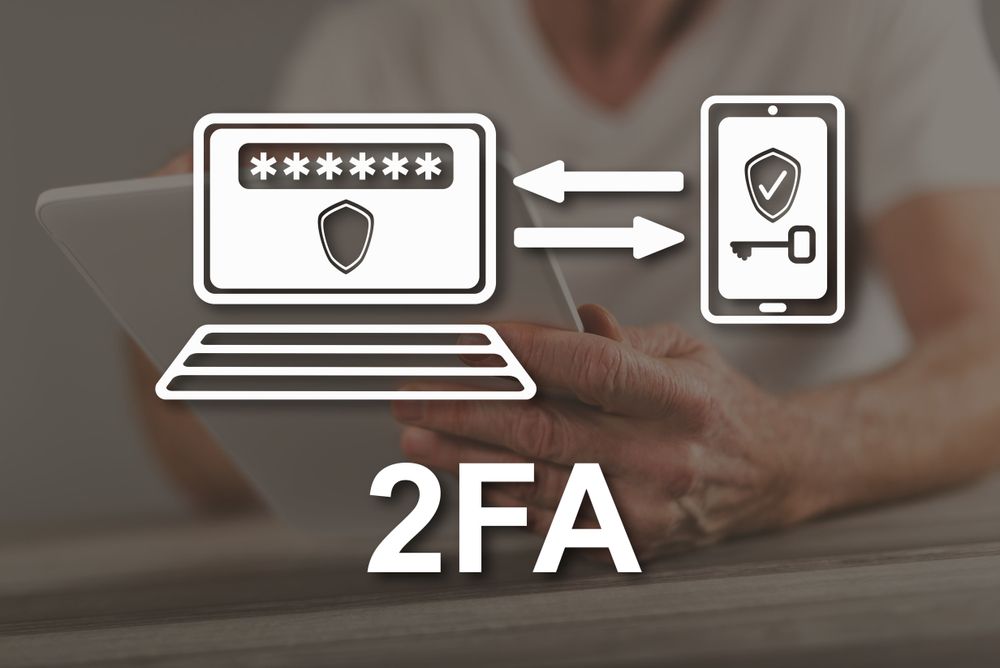
TOTP Implementation
Time-based One-Time Passwords (TOTP) are the most common 2FA method. Generate a shared secret key when users enable 2FA and display it as a QR code that authenticator apps (Google Authenticator, Authy, 1Password) can scan. During login, the app generates a 6-digit code that changes every 30 seconds using the shared secret and current time. Validate the code on your server by computing the expected code using the same algorithm. Accept codes from the current and previous time window to handle minor clock drift. Store backup recovery codes that users can use if they lose access to their authenticator app.
Security Considerations
SMS-based 2FA is better than no 2FA but is vulnerable to SIM swapping attacks — phone numbers can be transferred to attacker-controlled SIM cards. TOTP apps are significantly more secure. Hardware security keys (FIDO2/WebAuthn) provide the strongest 2FA — they are phishing-resistant because the key verifies the website's domain during authentication. For your implementation, generate and store recovery codes securely, rate limit verification attempts, and do not reveal whether the 2FA code was wrong or the user does not have 2FA enabled (to prevent enumeration attacks).
- TOTP apps: Most secure common option with offline code generation
- Hardware keys: FIDO2/WebAuthn provides phishing-resistant authentication
- Recovery codes: Generate one-time backup codes for authenticator loss scenarios
- Rate limiting: Prevent brute-force attempts on 2FA code verification
Partner with Apex Byte
At Apex Byte, we turn complex technical challenges into practical, scalable solutions. Our team brings deep expertise across modern technology stacks and a delivery-first mindset that ensures your project ships on time and on budget. Whether you are building from scratch or modernizing an existing system, we are ready to help. Contact us today for a free consultation.